Full Stack Development Trends in 2026
The full stack development landscape is shifting in 2026, and several of those shifts land directly on our WordPress workbenches.
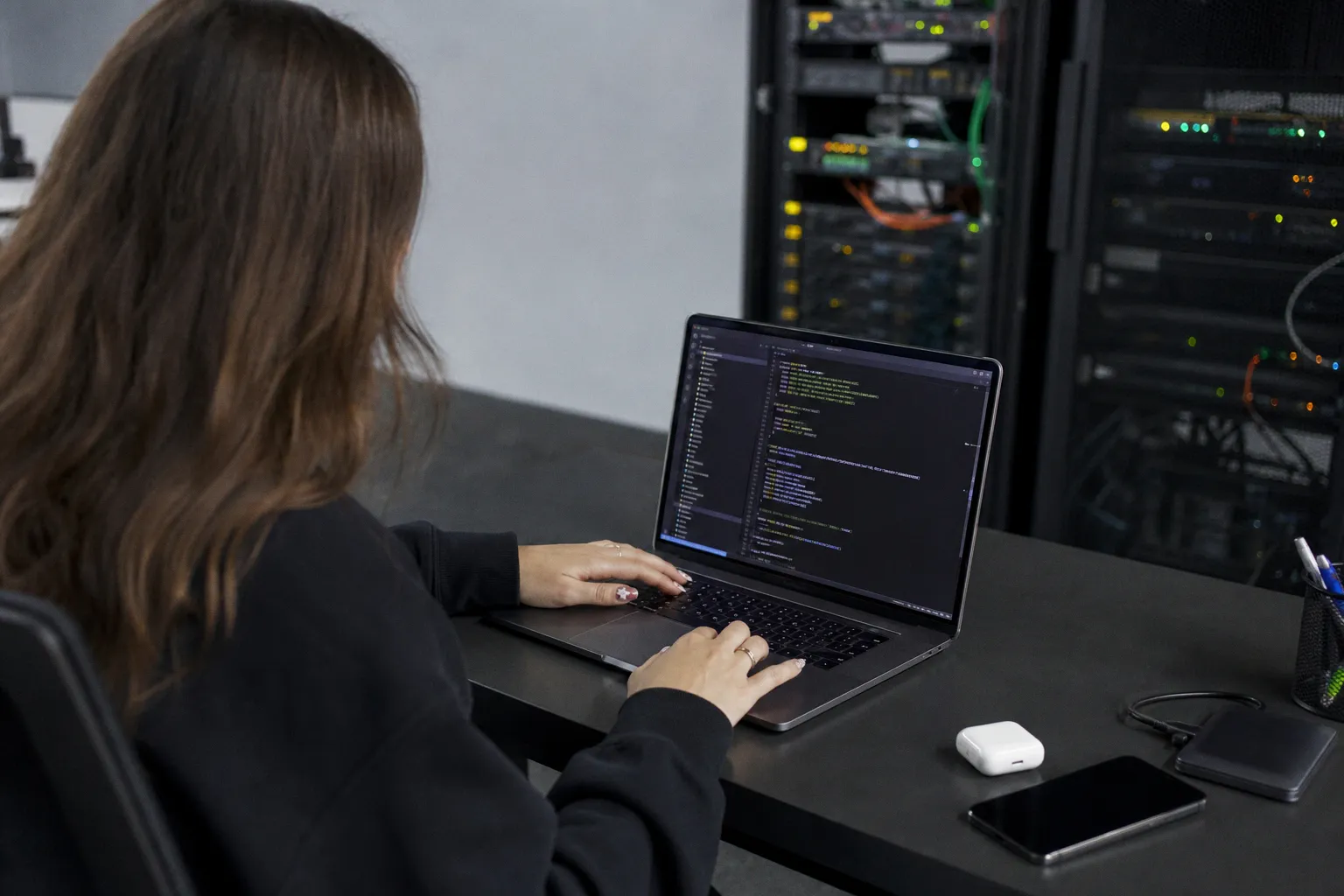
The 2026 full stack picture
A recent overview from TalentSprint captures how the term "full stack" has expanded well beyond the old frontend-plus-backend definition. The role is less about knowing every layer and more about building complete, scalable digital products end to end, working across code, cloud, AI, and user experience as one continuous workflow.
A few specific shifts stand out:
- AI as a daily teammate. Tools like GitHub Copilot, Amazon CodeWhisperer, and Google Codey now scaffold code, suggest improvements, and handle repetitive tasks. Developers are moving from "writing code" to "deciding how code should be built."
- Cloud-native by design. Apps are being designed for the cloud from the start, with serverless setups and microservices replacing manual server management. The example cited: fintech apps absorbing sudden traffic spikes during sales without downtime.
- API-first architecture. Rather than building one large application, teams design APIs first and connect everything else — web, mobile, smart devices — to a single backend.
- Headless in practice. Headless systems are widely used in e-commerce today, where one backend delivers content to websites, mobile apps, and even smartwatches simultaneously.
- Adaptability over mastery. Knowing everything matters less than being able to pick up new tools quickly.
How this maps onto your WordPress work
Here is the part that matters for us: these trends align almost directly with how modern WordPress sites are being built.
Headless WordPress is API-first in action. When we decouple WordPress as a content backend and render the frontend with Next.js, Astro, or Nuxt, we are following the API-first pattern. A single WordPress install can power a website, a mobile app, and a smartwatch interface at the same time — exactly the headless use case described above. The REST API is built into core, and WPGraphQL is a mature plugin for those who prefer GraphQL queries.
Cloud-native hosting. Rather than running a single monolithic server, many of us are pairing a managed WordPress host with a serverless frontend — Vercel, Netlify, or Cloudflare Pages. Static pages rebuild on demand; dynamic calls hit the WP REST API. The result is the automatic scaling the fintech example describes, without manual infrastructure work.
AI inside your editor. AI coding assistants are no longer a novelty. Whether we are writing a custom block in the block inspector, building a WooCommerce extension, or troubleshooting a slow database query, AI tooling fits naturally into the workflow. Treat it as part of the team rather than a separate experiment.
Practical checks for your setup
Let us walk through a few things worth verifying on your own projects this week:
1. Look at your hosting layer. If your site still runs entirely on a traditional LAMP setup, consider whether the frontend could be offloaded to a static or serverless layer. Keep WordPress for content management; push delivery to the edge.
2. Expose your content cleanly. Confirm that your REST API or WPGraphQL endpoint returns clean JSON for the post types and custom fields you need. Open the block editor's "Code editor" view, or use a plugin like Custom Post Type UI, to make sure your schema matches what your frontend expects.
3. Bring one AI tool into your workflow. Start small — let Copilot or Codey help you write a filter hook or a shortcode. You will quickly see where it saves time and where it still needs your oversight.
4. Audit essential plugins. If you plan to go headless, confirm that your must-have plugins expose their data through the API rather than relying solely on shortcodes rendered server-side.
Consequently, the takeaway is straightforward: WordPress is not being sidelined by the 2026 full stack conversation — it is fitting into it more naturally than ever. As a CMS and content backend, it already speaks API fluently. As a development ecosystem, it benefits from the same AI and cloud tools reshaping the wider industry. Identify one part of your current workflow that still feels monolithic, and explore how an API-first or AI-assisted approach could simplify it. We will keep tracking these shifts and translating them into the toggles, panels, and configurations that make your WordPress work faster, safer, and smarter.